
This article is a tutorial for the old version of the LingHang theme. The new version of the LingHang theme is no longer applicable.
To add a switchable slideshow to your website, simply add the Hero Slider Block. The specific steps are as follows:
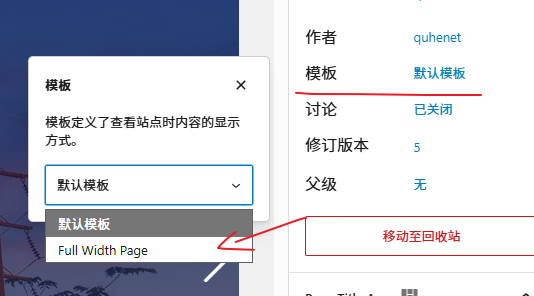
1. Create a new page and set it to full-width template (for the homepage, keep the default setting, as it will automatically use the full-width layout).
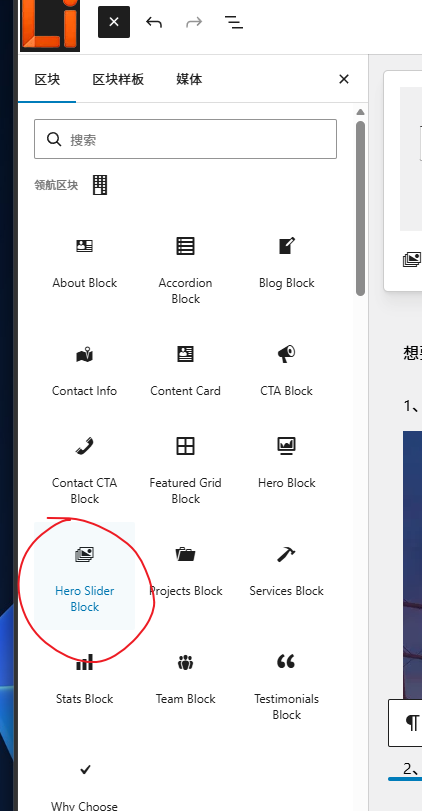
2. Click the plus icon in the top-left corner and select Hero Slider Block.
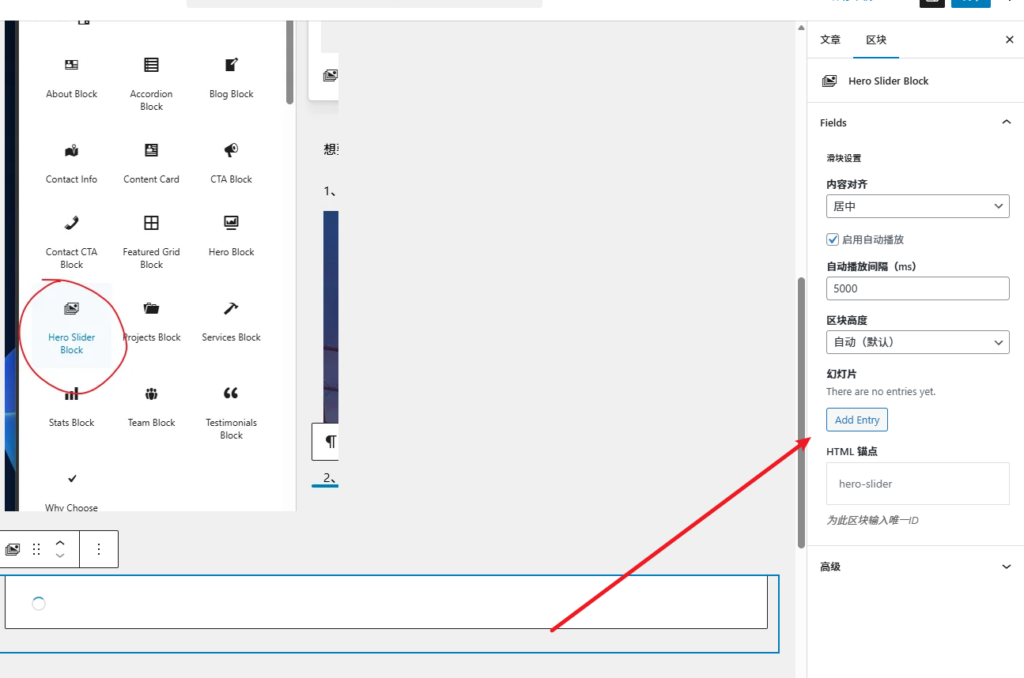
3. After adding, the block settings interface will appear on the right. Click Add Entry to add new slider content.
4. Fill in the content and select an image in the new interface.

Tip: The editing interface cannot preview transition effects; you need to publish to view them.