
The LingHang theme does not include product functionality in its theme code; instead, it uses a B2B product management and display plugin. This way, your product data will not be affected when you change themes later.
To add product functionality to your website like this demo site, follow these steps:
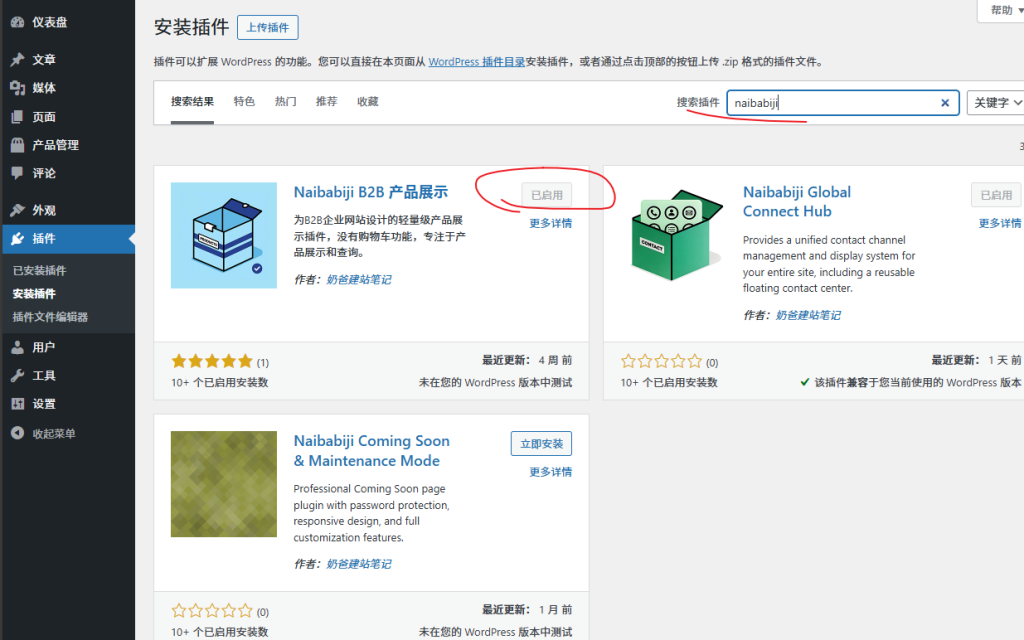
1. WordPress backend → Plugins → Add New Plugin
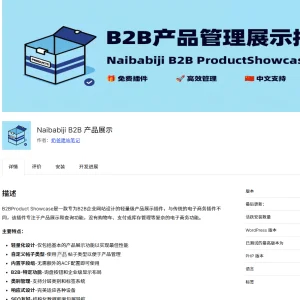
2. Search for „naibabiji“, install the B2B Product Display plugin that appears, and activate it.
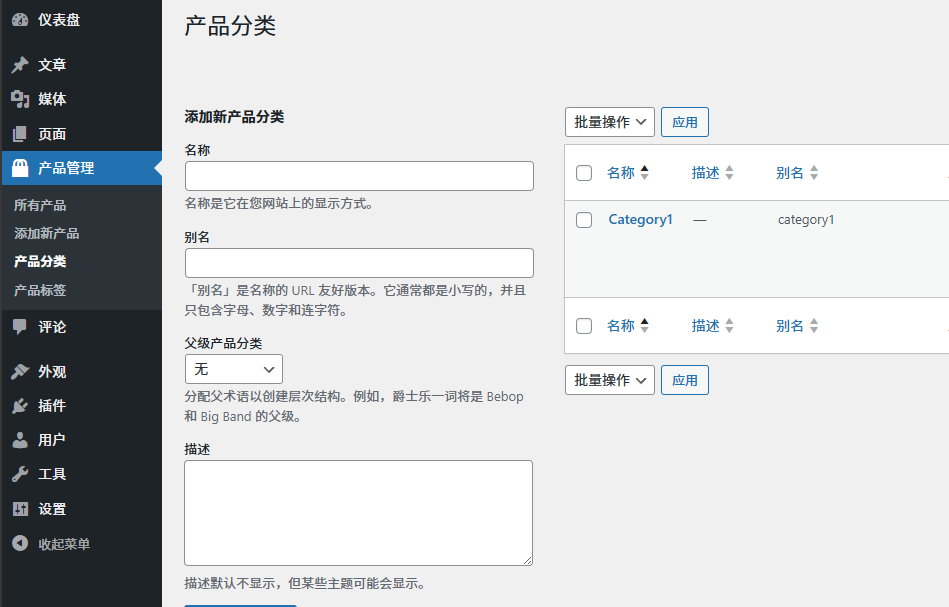
3. WordPress backend → Product Management → Product Categories, first add product categories.
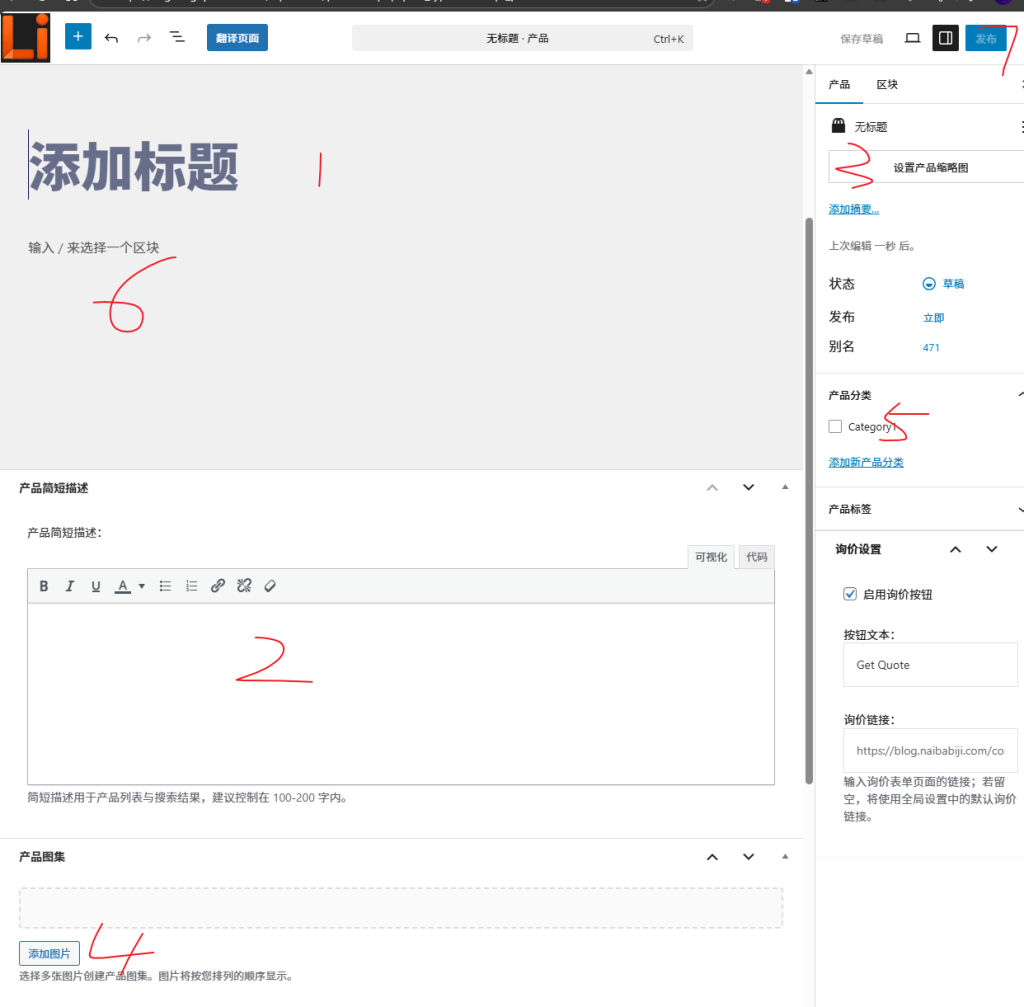
4. Add a new product, fill in the product title, short description, detailed description, category, product image, and then publish.
How to set up the product page and menu?
Under the backend menu settings, there is a product display settings page where you can set the button color and default inquiry button link.
The default product archive page URL of the plugin is yourdomain.com/products
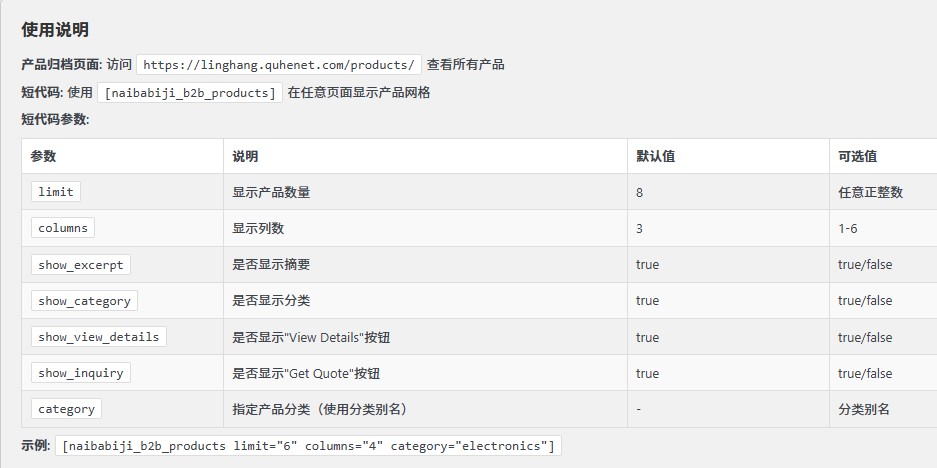
So you don't need to create a separate product archive page; the plugin creates it automatically.
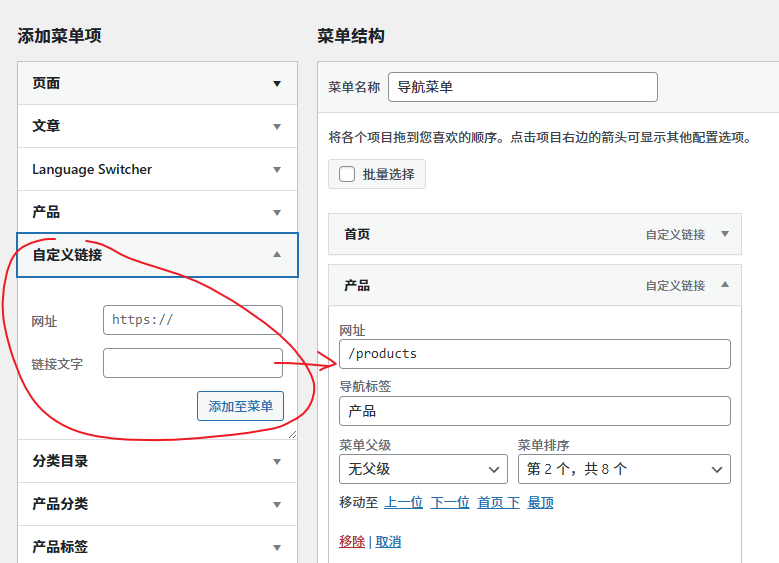
To add a menu, go to the backend, Appearance, Menus, select Custom Links, and add the URL.
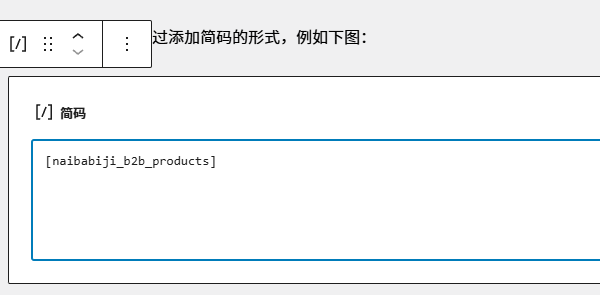
To call products, add them via shortcode, as shown in the image below:
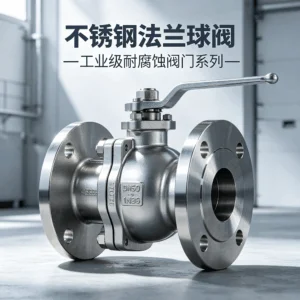
Stainless Steel Flanged Ball Valve — Batch Inquiry Function Demo Product
Made of ASTM A351 CF8M precision cast...

AeroDyne Pro Series Industrial Fan — Batch Inquiry Function Demo Product
This is a product function demo, not an actual product sold on this site...
LingHang Theme Paid Website Building Service – Professional B2B Enterprise Website Setup
Don't have time to build your own website and want to control your budget? We offer basic...