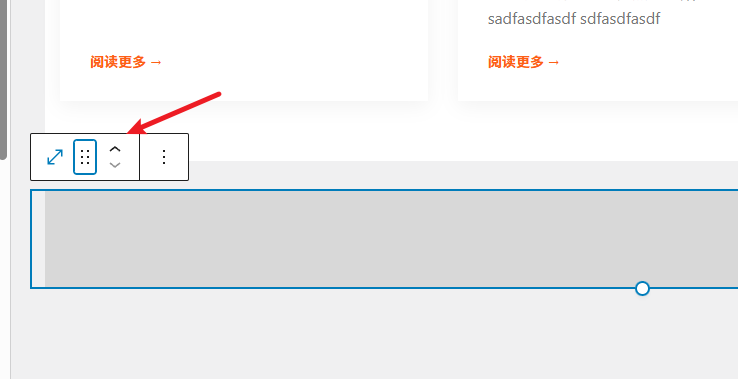
When you use the Linghang theme or other WordPress themes that use the Gutenberg editor and want to adjust the spacing between two sections, the simplest method is to add a „Spacer“ block.
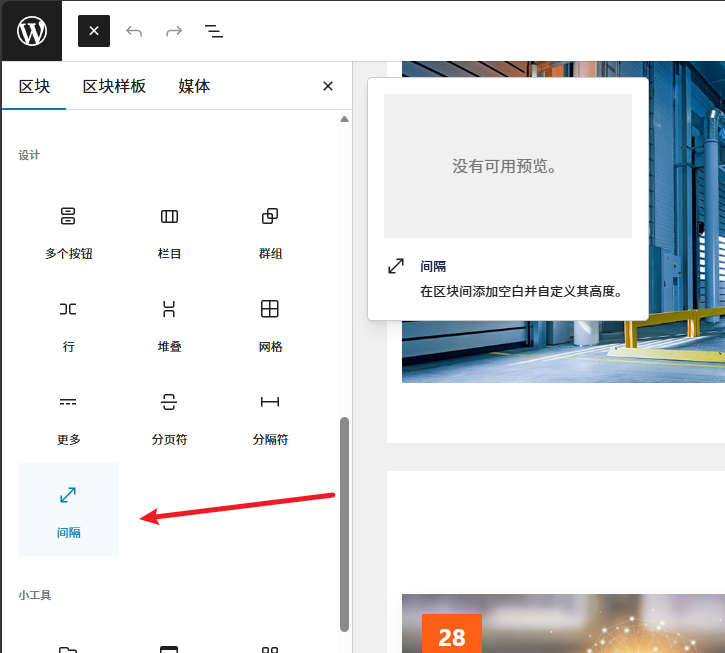
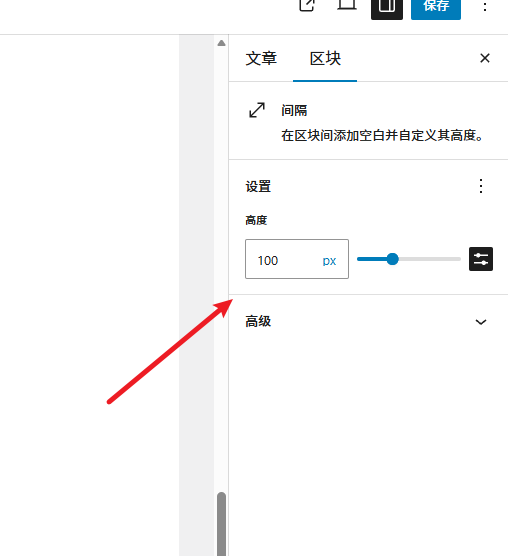
You can find the Spacer block in the Design section by clicking the plus icon in the top left corner. The default spacing is 100 pixels. After adding it, you can adjust the height by changing the number in the block settings on the right.
You can either add the Spacer first and then the next block, or add two blocks first and then adjust the Spacer's position by dragging or using the up and down arrows.