
LingHang v1.0.5 has added sidebar display functionality coverage for the B2B product management display plugin. Now you can choose whether to enable the sidebar for product pages in the theme settings.
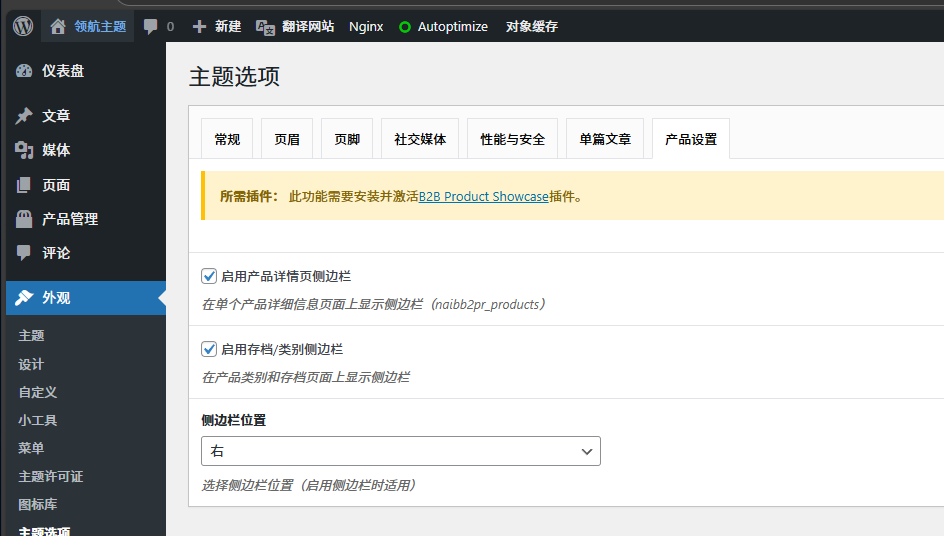
If you do not use theB2B Product Showcaseplugin, this option is irrelevant to you and can be ignored.
Below is an introduction on how to add sidebar navigation functionality to product pages that have theB2B Product Showcaseplugin enabled.
1. Enable the sidebar function in the theme options;
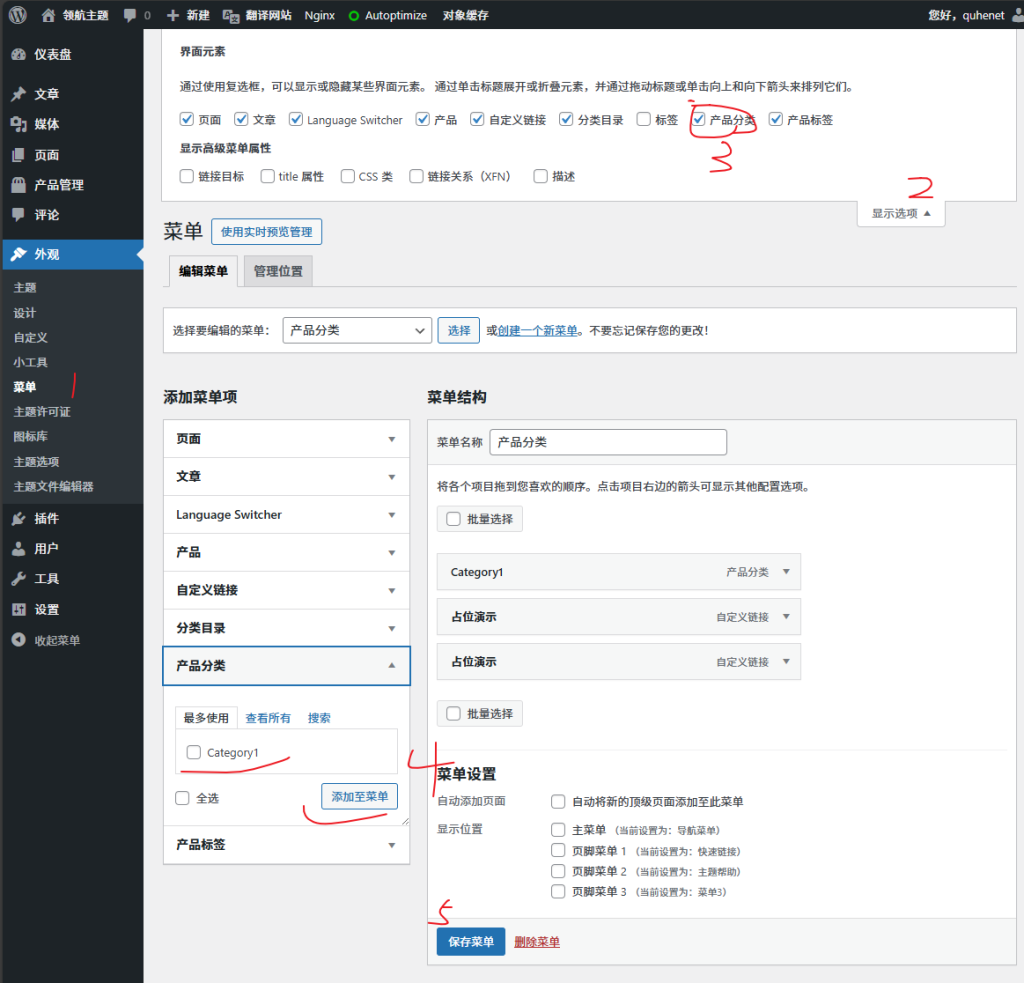
2. In the backend, under Appearance, Menus, create a new menu. You can set the menu display content yourself.
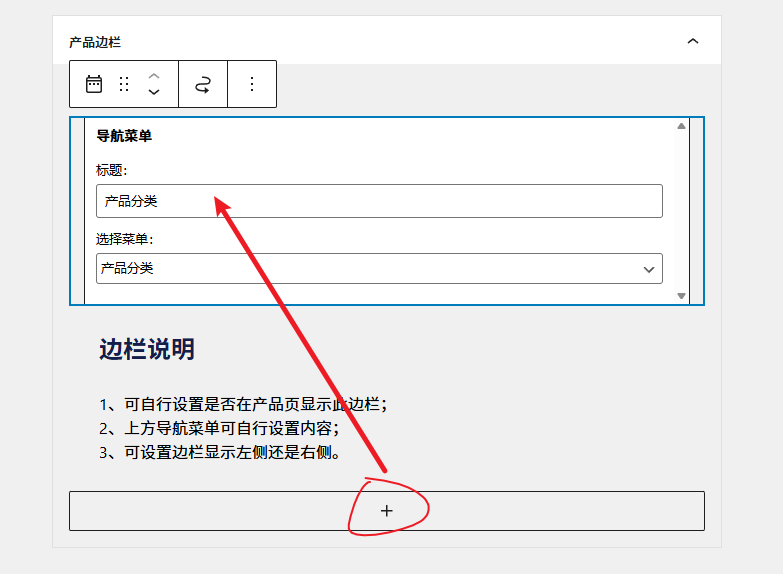
3. Under Appearance, Widgets, add a Navigation Menu widget to the Product Sidebar.
4. Save settings in the top right corner, and you can see the effect on the front end.
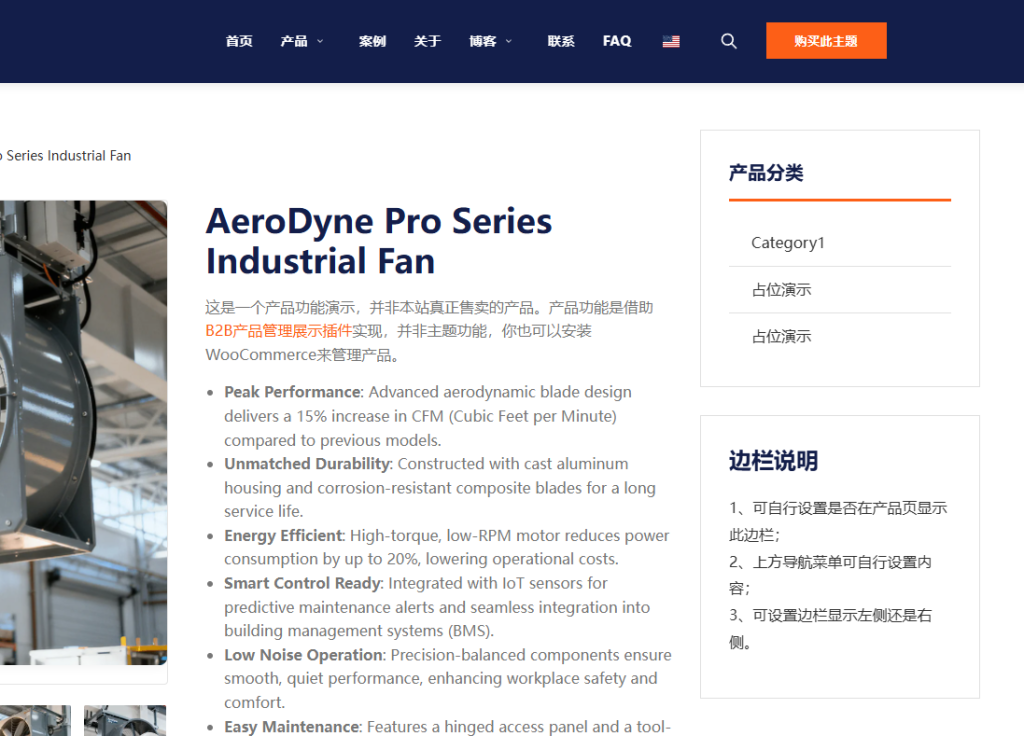
In addition to the navigation menu, you can also add other content you want to display to this sidebar.